Containers on
Apple Silicon.
The Docker Desktop replacement for macOS. Native SwiftUI. Hardware-level isolation. Sub-second boot. Open source forever.
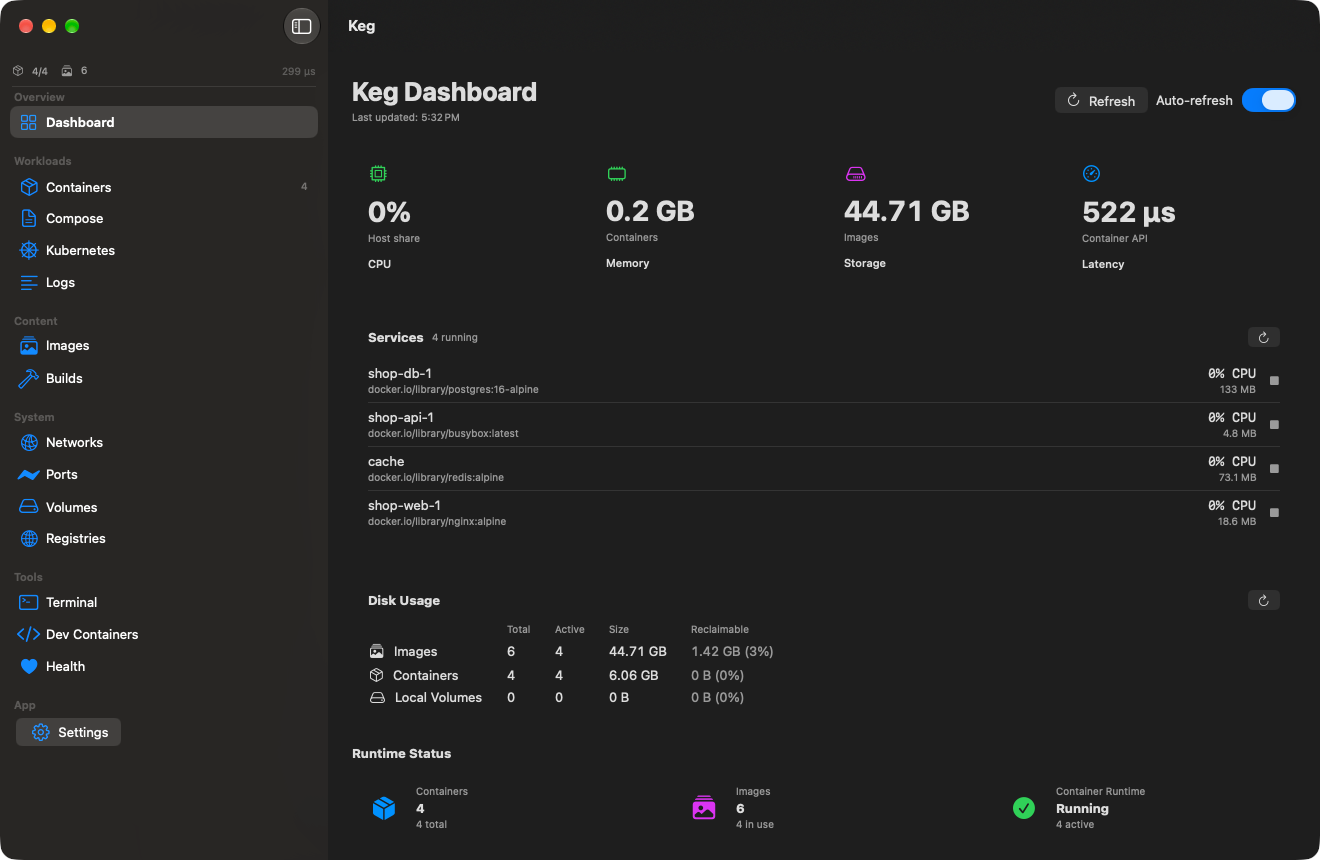 ● 4 running
455 µs · container api latency
● 4 running
455 µs · container api latency
Everything you need.
Containers, images, networks, volumes, builds, Compose, Kubernetes — plus guided onboarding, a health score, port dashboard, embedded terminal, dev containers, an on-device agent, and a companion CLI. All native. All fast.
Sub-second Boot
618ms average container start. No daemon warmup, no shared VM spin-up. Each container boots its own micro-VM in under a second — 50× faster than Docker Desktop's cold start.
Hardware Isolation
Per-container VMs via Virtualization.framework. Real hardware boundaries, not namespace tricks.
69MB Idle
Docker Desktop idles at 500MB to 2GB. Keg gives you your RAM back.
Docker API
Full Engine API on a Unix socket at ~/.keg/docker.sock. docker ps, docker run, docker compose. It all works.
Compose Orchestration
Dependency-ordered bring-up, per-service output, env vars, volumes, networks. Your compose files, zero changes.
Kubernetes
One-click K8s cluster. kindest/node + kubeadm. kubectl ready in 90 seconds.
Health Score
A single 0–100 score across every container, with per-container memory and CPU signals. Spot the one that needs attention at a glance.
Ports Dashboard
Every published port across every container in one table, with one-click localhost URLs. No more hunting for what bound 8080.
Terminal & Dev Containers
Embedded shell with the container CLI wired in, merged multi-container log streams, and .devcontainer project support built in.
Open Source
Apache 2.0, free forever. No seat licenses, no feature gates, no telemetry.
Grows With You
Three experience levels — Getting Started, Comfortable, Full Control — with first-run quick starts (a 5-second demo, a web server) and inline help on every section.
Plain Language, Labeled Actions
Every toolbar action carries its name, every disabled button explains itself, and status lives next to the thing it describes. You should never have to guess.
Cooper, the Built-in Agent
A built-in agent that answers questions and acts on your containers, images, and Compose stacks. It prefers Apple's on-device model — no account, nothing leaves the machine — and when Apple Intelligence is off or unavailable, Cooper runs on any OpenAI-compatible model instead: OpenAI, OpenRouter, Groq, or a fully local Ollama. Your API key never leaves the Mac's Keychain, and destructive actions need your approval in every mode.
keg Companion CLI
A terminal client installed straight from the app: ps, images, logs, exec, start/stop, doctor diagnostics — and keg:// deep links that open the app on the right section. No docker CLI required.
The grand tour.
Twelve real screens from the shipping app — light and dark mode, nothing mocked. A live three-service Compose stack, a cache container, and real logs.
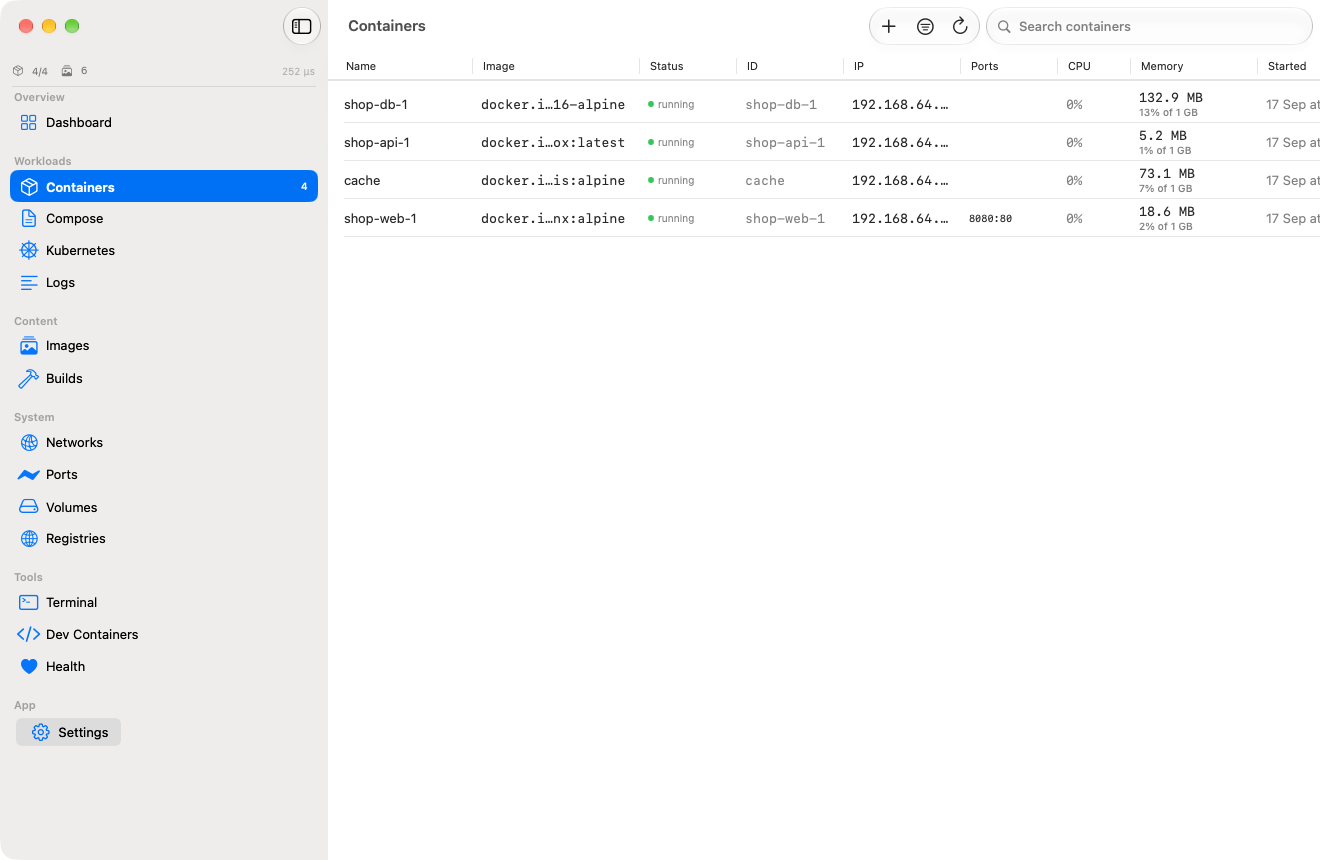 getting started → full control
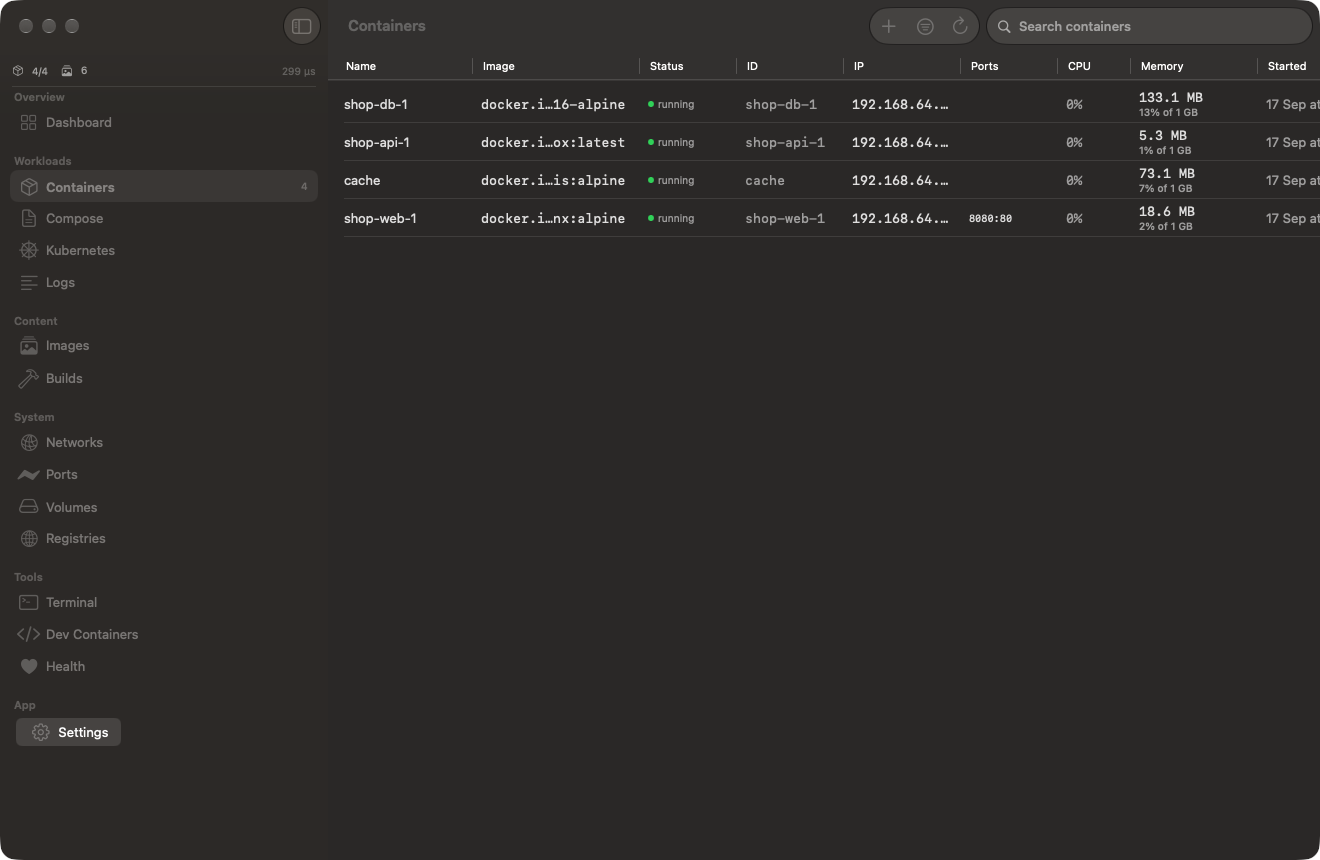 4 running · live stats
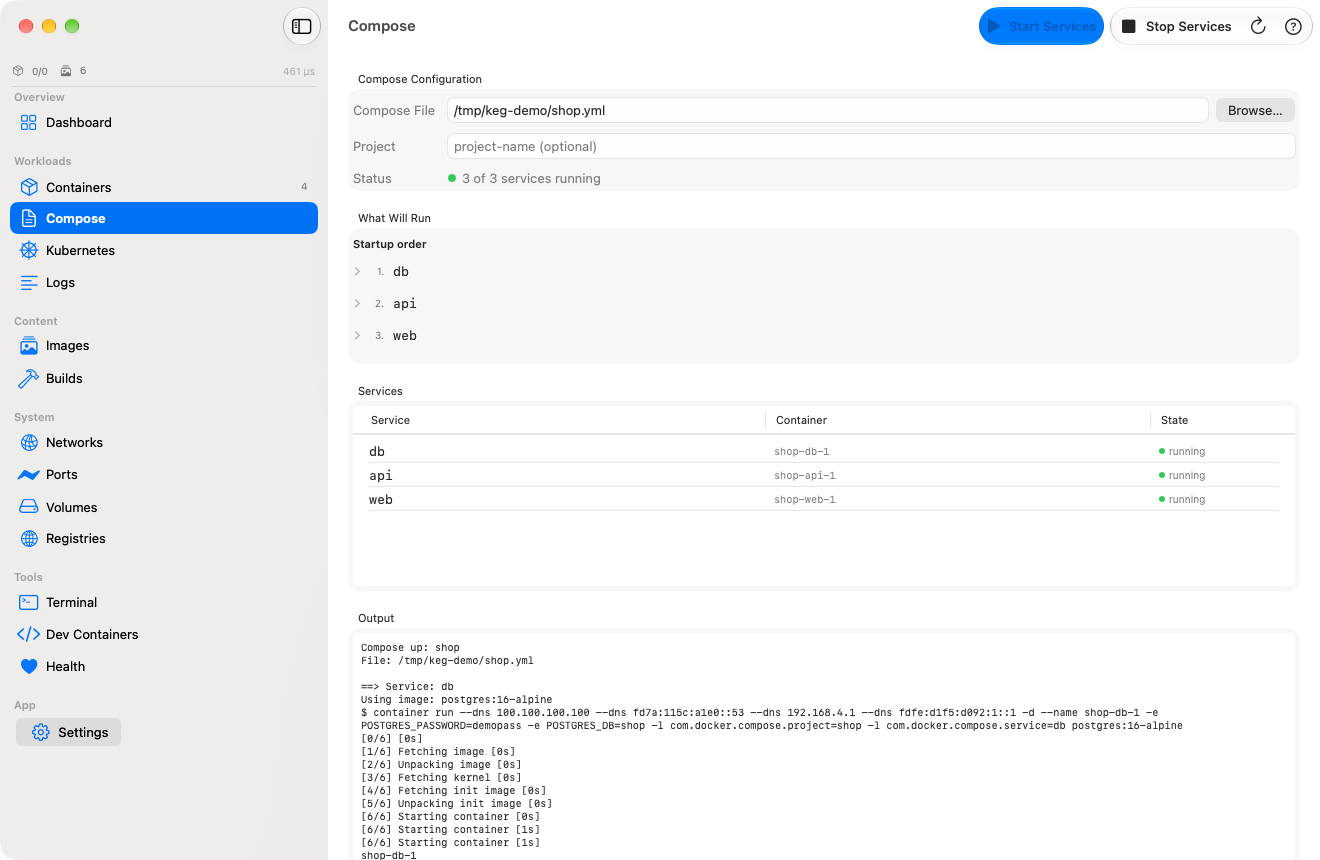 3 of 3 services running
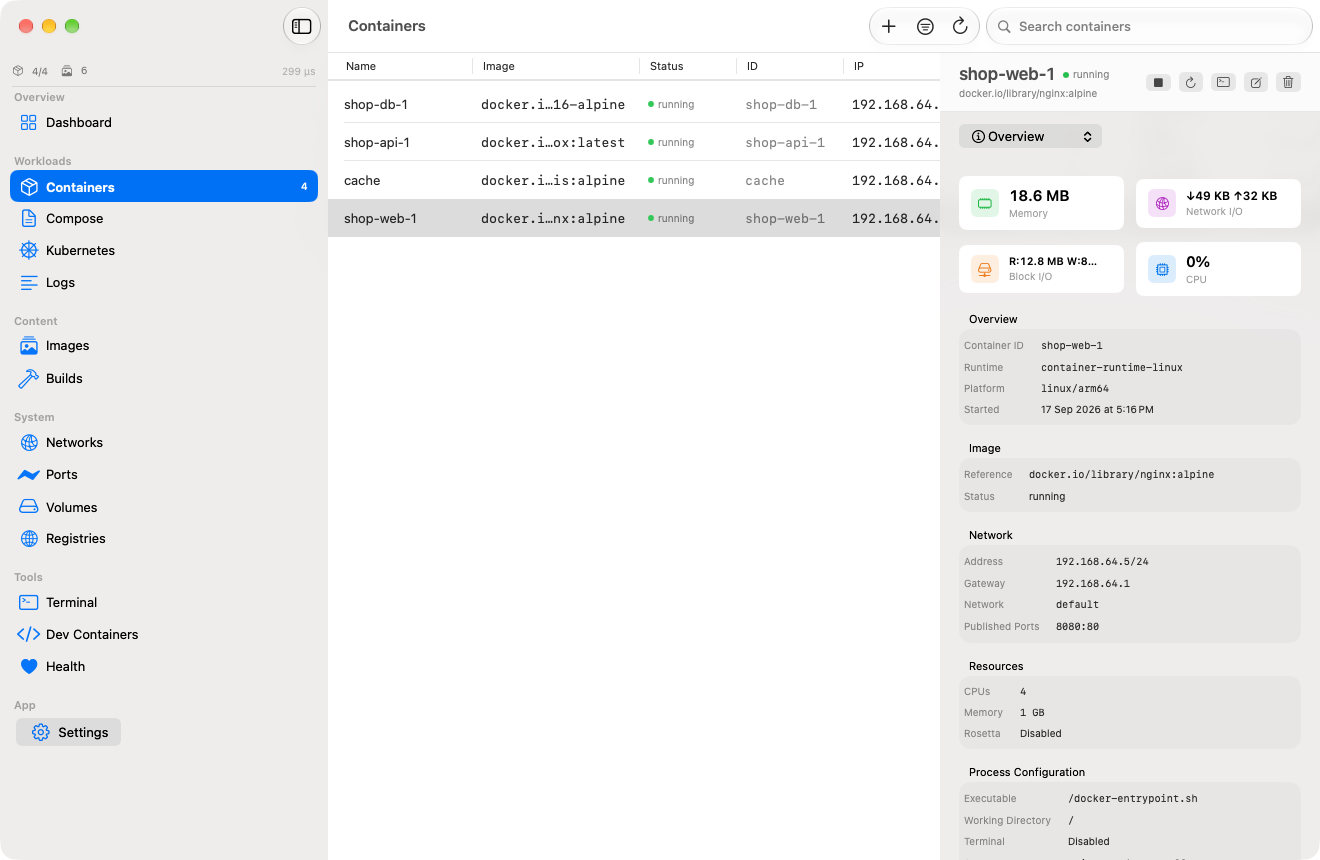 inspector · shop-web-1
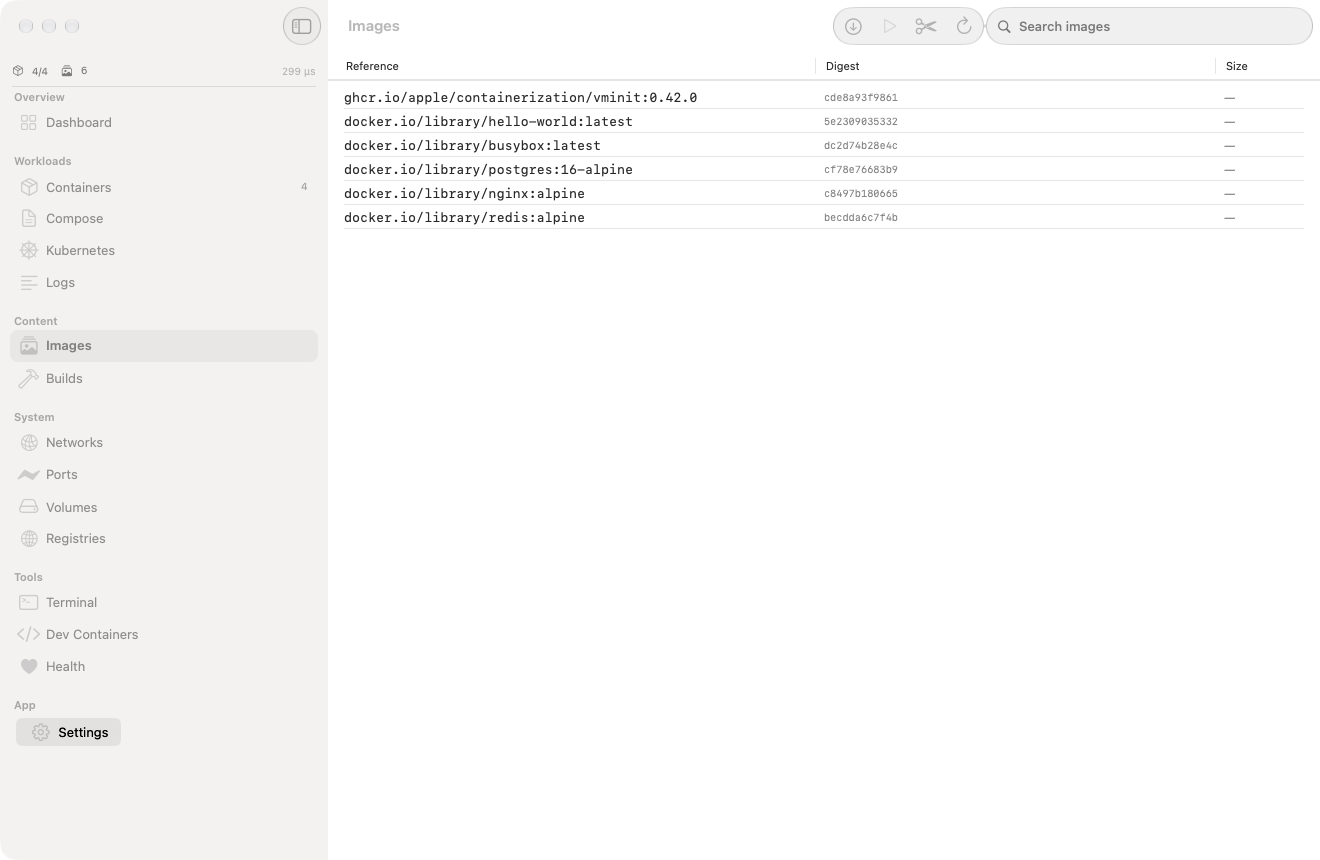 6 images · digests + sizes
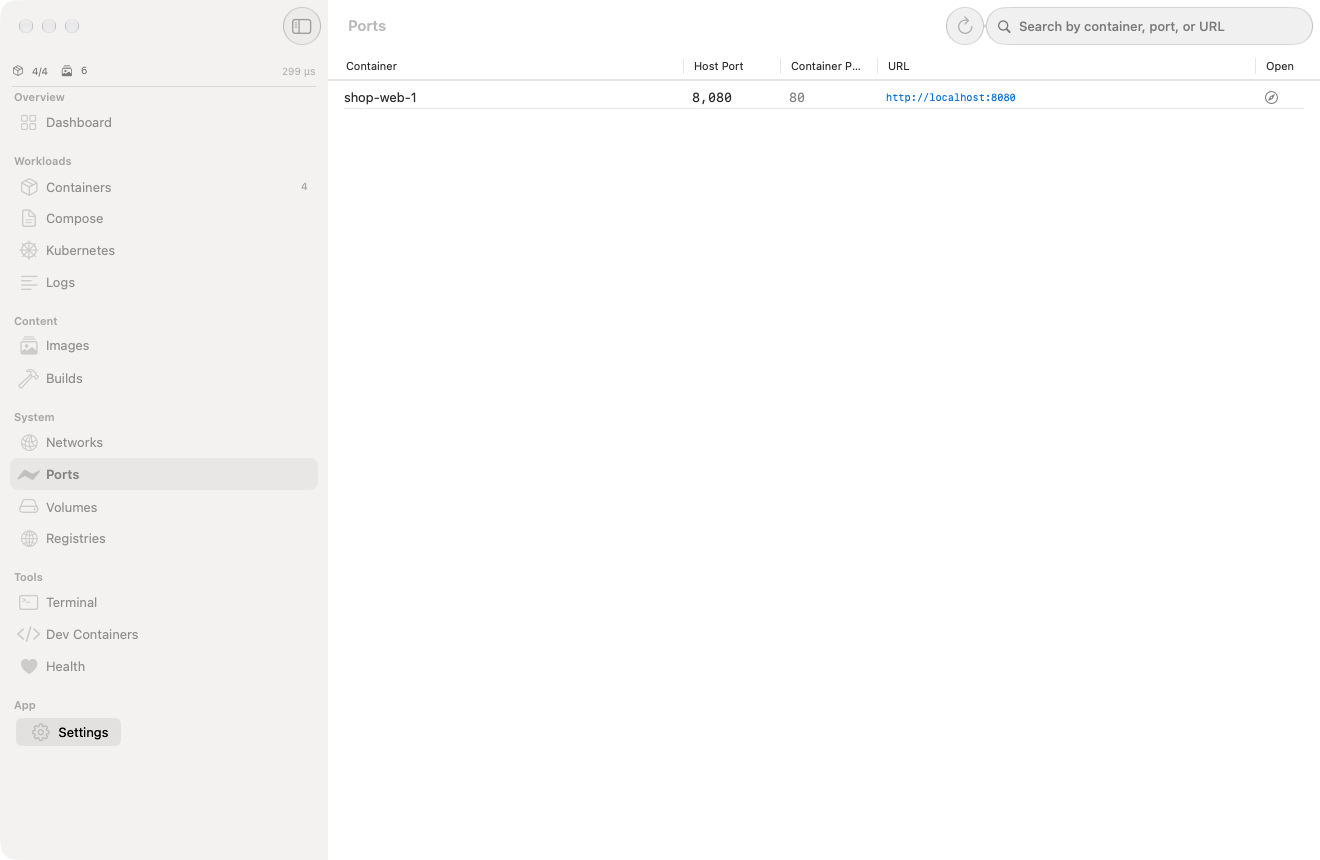 8080:80 → localhost
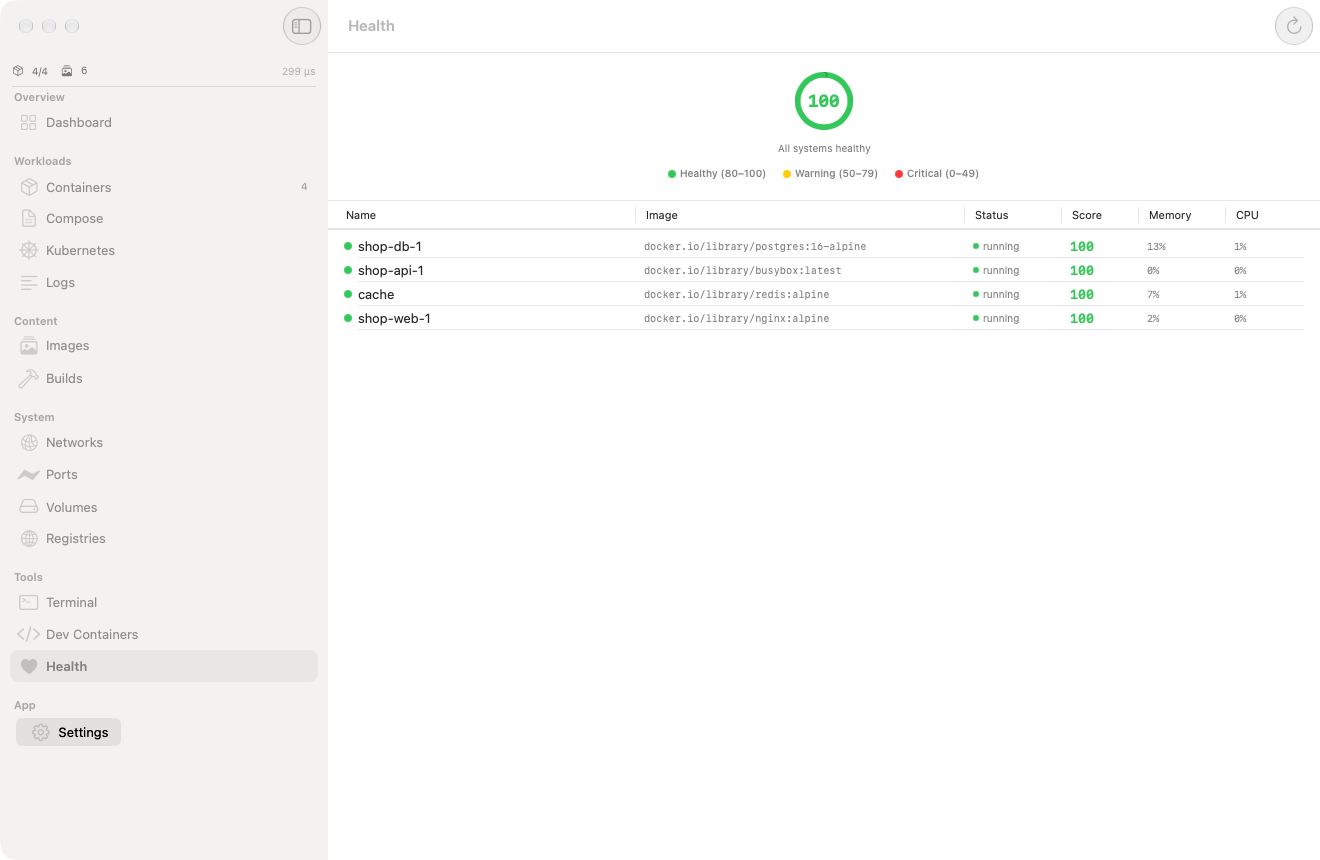 score 81 · 4 healthy
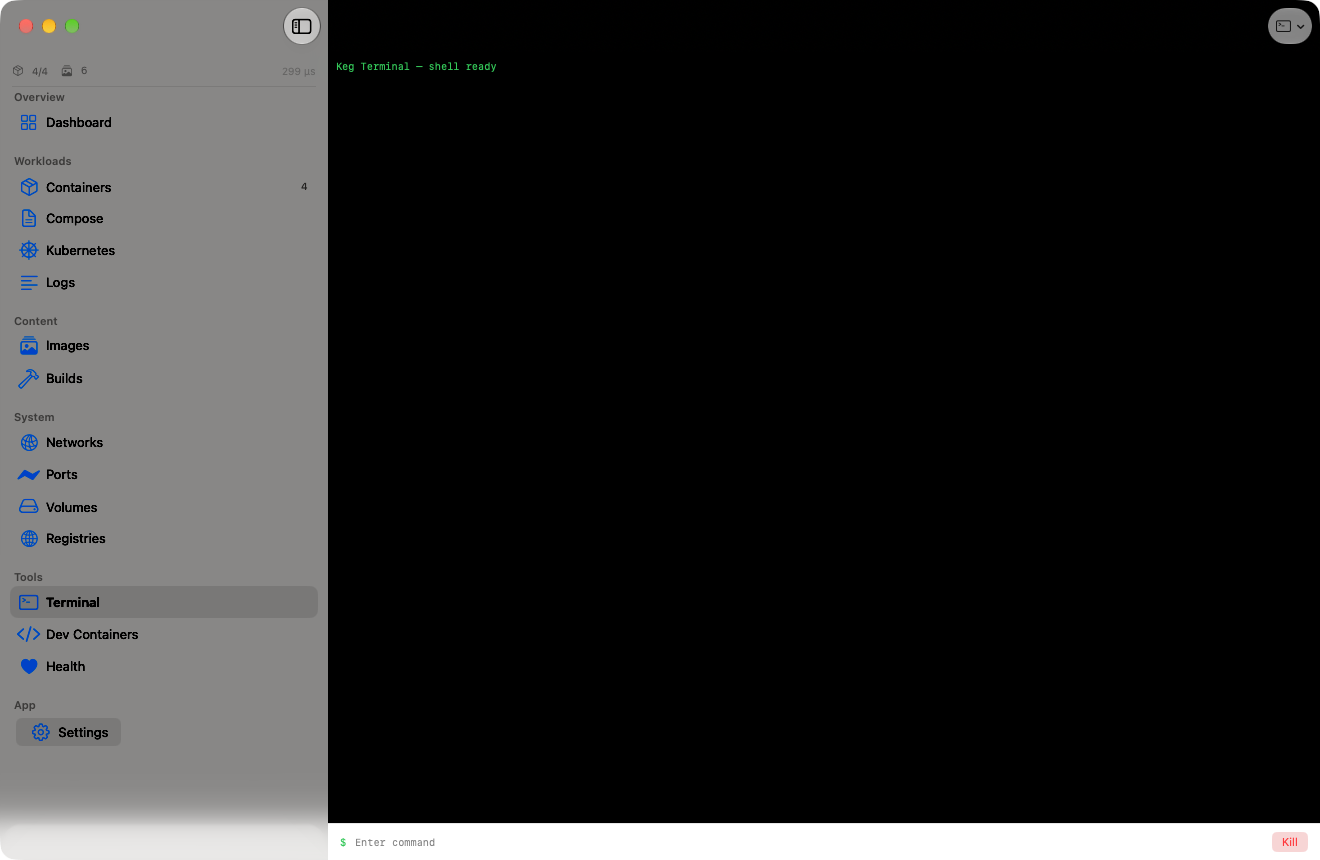 container cli · built in
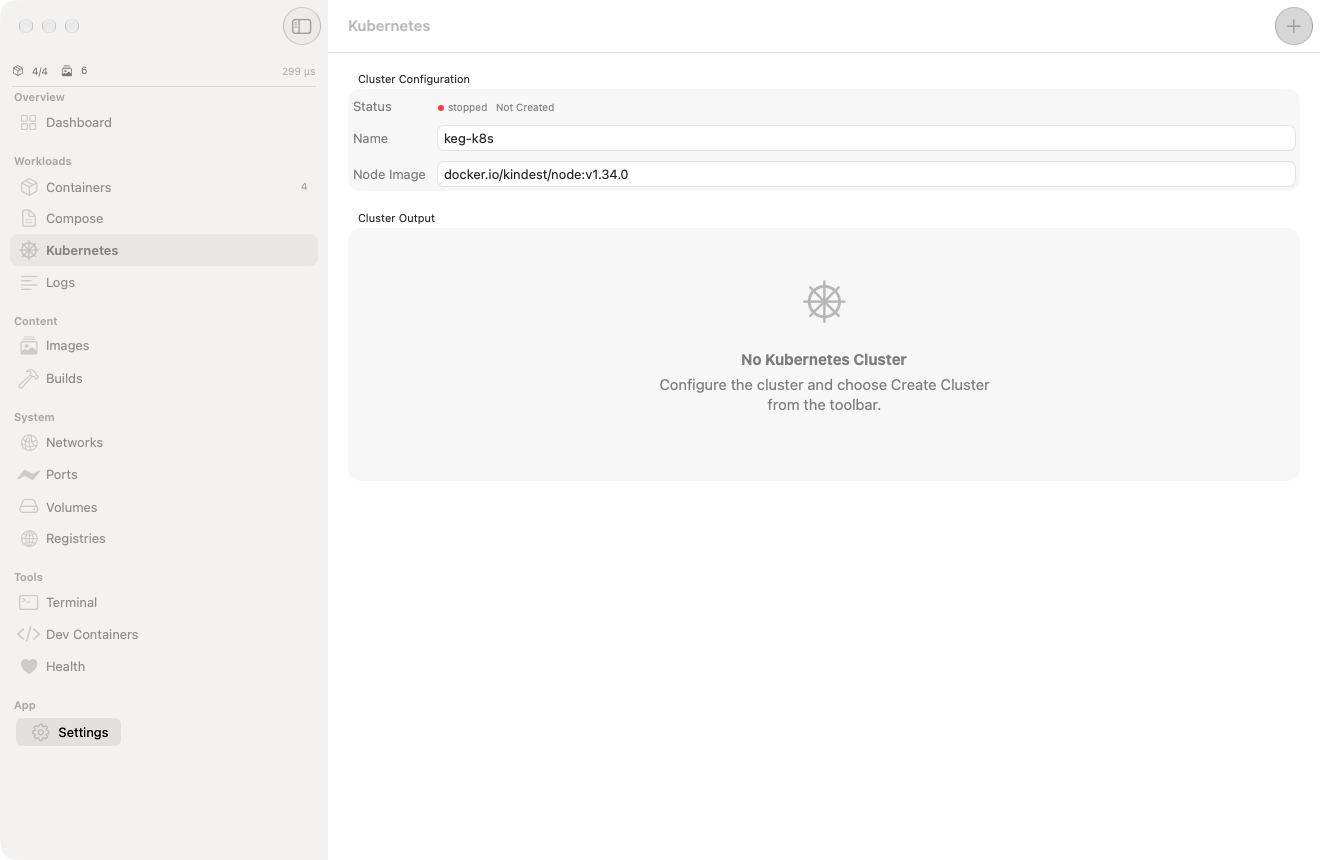 kindest/node v1.34.0
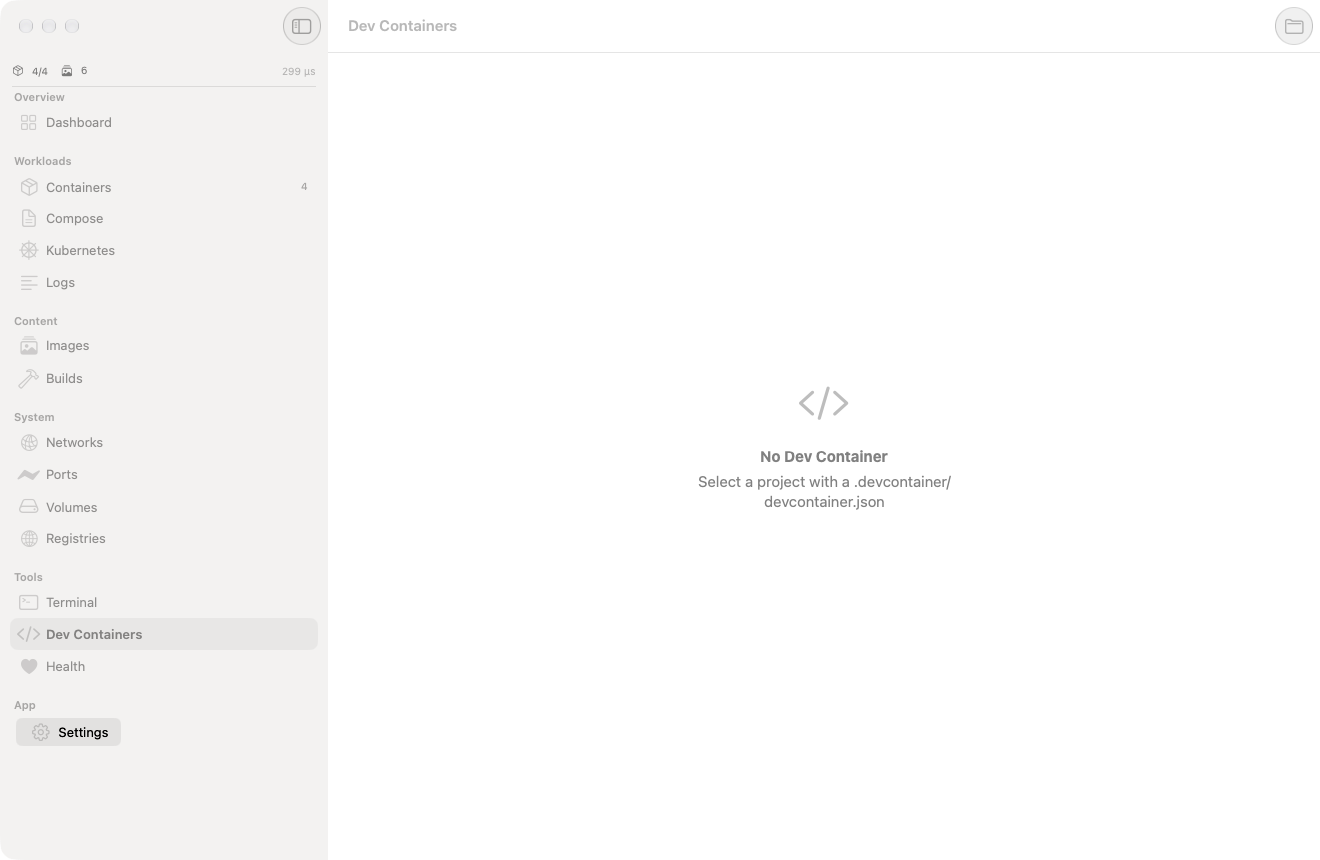 .devcontainer support
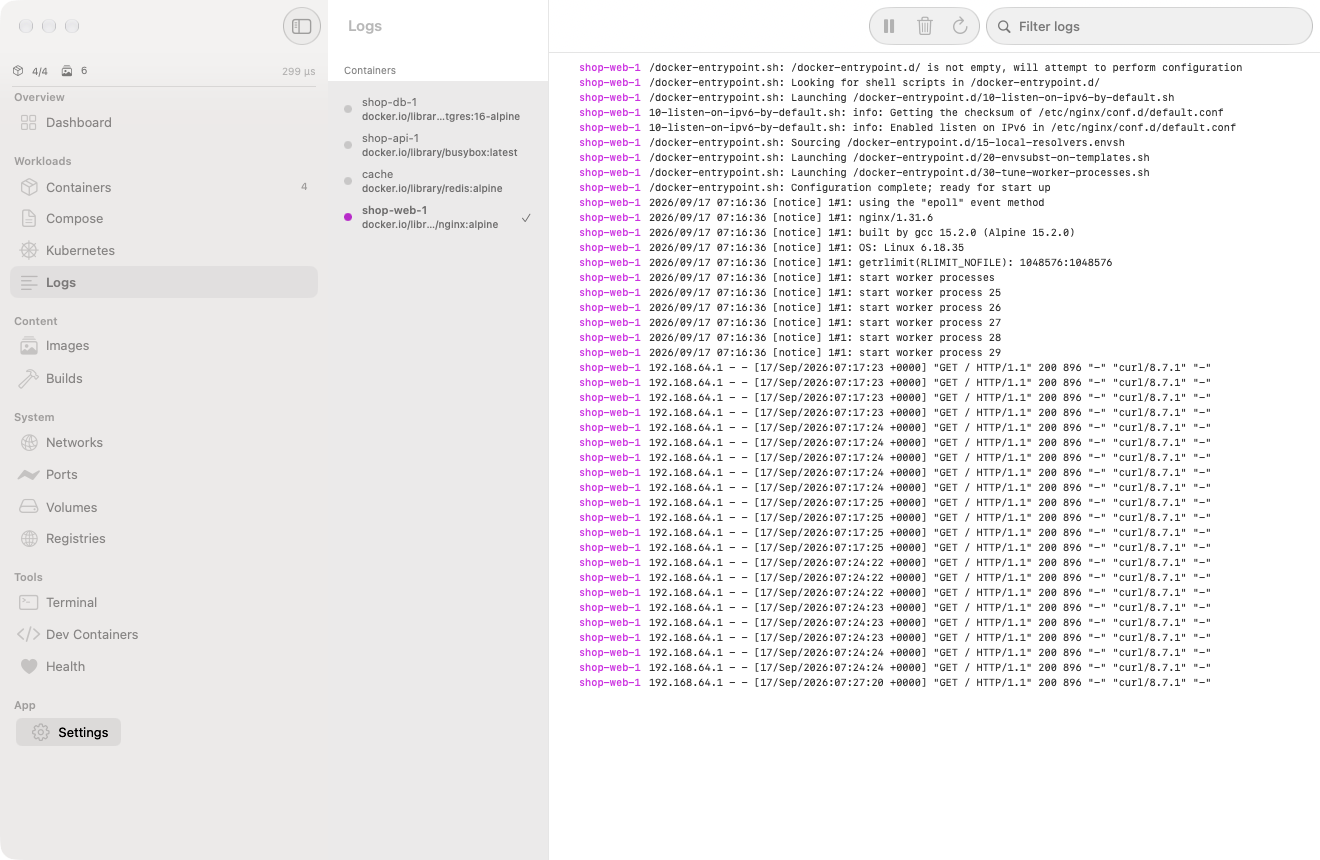 merged streams · 2 containers
Drop-in replacement.
Same CLI. Same Compose files. Same API. Just faster, lighter, and with real isolation.
Your compose files. Zero changes.
Dependency ordering, networks, volumes, port mapping, env vars. Keg's orchestrator handles it all.
Local K8s. 90 seconds.
Full cluster inside an Apple Container. kubeadm, CNI, kubeconfig. Ready for kubectl.
Create Cluster
One click in Keg. kindest/node boots with kubeadm init.
Deploy
Apply manifests. Deployments, services, configmaps, secrets.
Scale & Update
Scale replicas, rolling updates, exec, logs. Full kubectl.
Numbers don't lie.
Benchmarked against Docker Desktop and OrbStack.
| Docker Desktop | OrbStack | Keg | |
|---|---|---|---|
| Runtime | containerd in Linux VM | containerd in Linux VM | Apple VMs |
| Isolation | Process-level | Process-level | Hardware |
| Boot time | ~30s | ~2s | <1s |
| Idle RAM | ~2 GB | ~500 MB | 69 MB |
| Docker API | ✓ | ✓ | ✓ |
| Compose | ✓ | ✓ | ✓ |
| Kubernetes | ✓ | ✓ | ✓ |
| Health score | — | — | ✓ |
| Dev containers | ✓ | — | ✓ |
| On-device agent | — | — | ✓ |
| Native macOS | Electron | Native-ish | SwiftUI |
| License | $9/seat/mo | Paid | Apache 2.0 |
Built for Apple Silicon.
Open source, free forever.
Requires macOS 26 (Tahoe) and Apple Silicon (M1/M2/M3/M4).